12testers vs DIY Recruiting vs Tester-Exchange Apps: Which Closed-Testing Route Fits You?
There are four realistic ways to get 12 testers for 14 days. Each trades money, time, and risk differently. This guide shows when each route fits, and when 12testers is the better deal.
What are the ways to get 12 testers for 14 days?
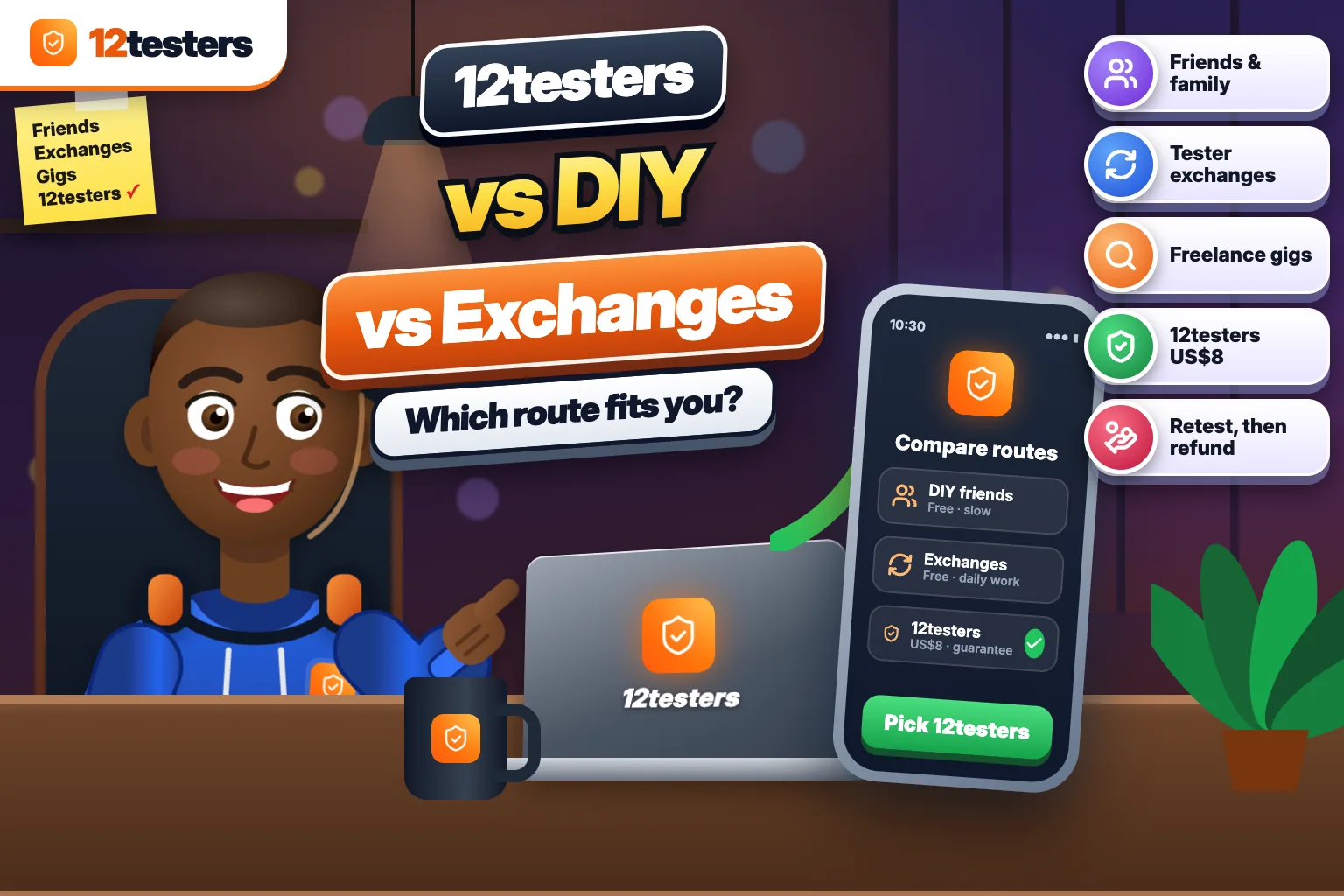
There are four realistic routes: recruit friends, family, or colleagues yourself; join a tester-exchange app or community; hire a freelancer; or use a managed service such as 12testers. All four must use the same Google mechanism: testers are added to your closed track by email list or Google Group, opt in through the official opt-in link, and stay opted in for 14 continuous days.
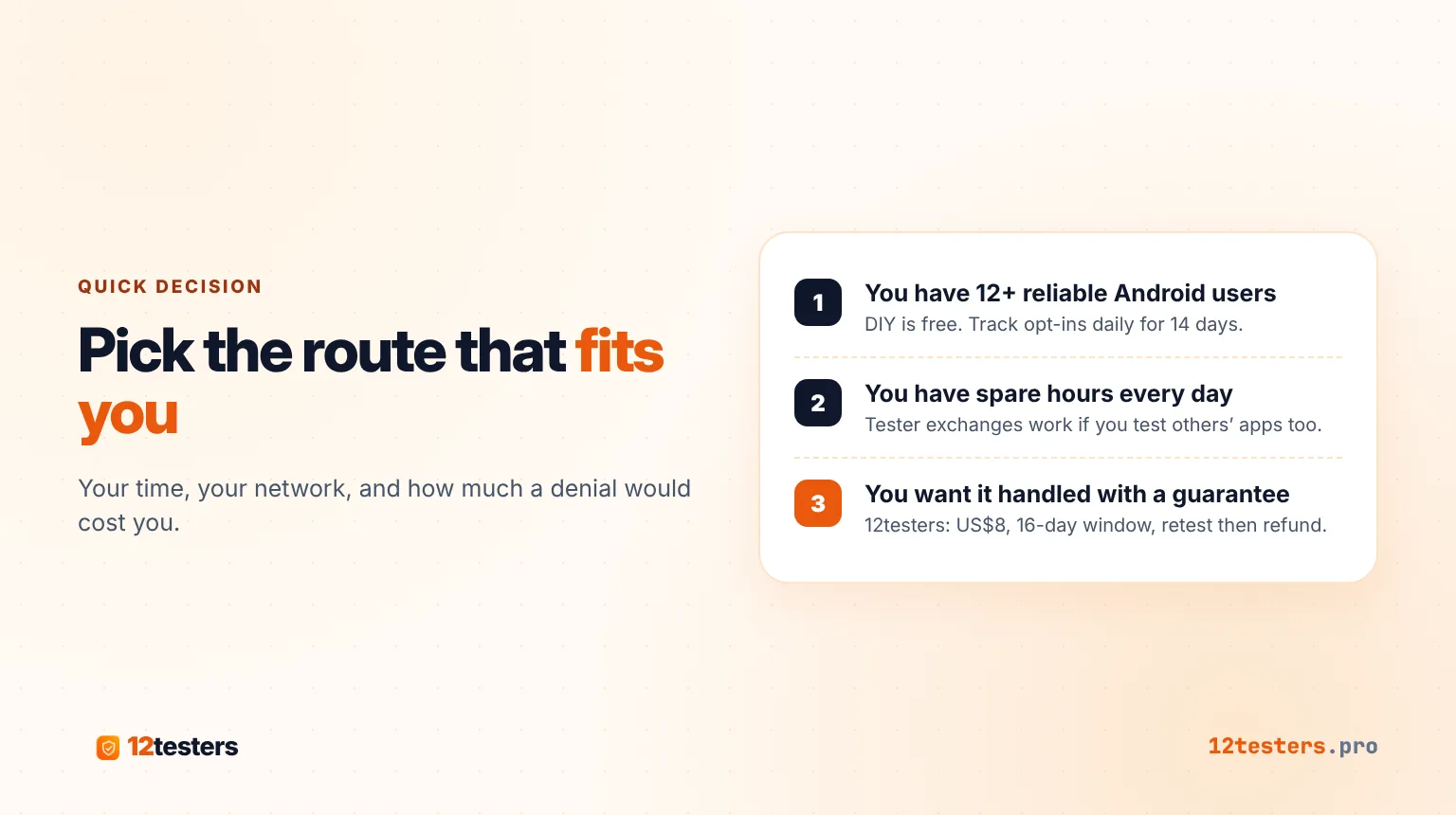
The right choice depends on three things: how many reliable Android users you already know, how much daily time you can spend, and what a denied production-access application would cost you.
Should I recruit friends and family myself?
DIY recruiting is free and gives you the most authentic feedback if your testers actually use the app. It works best when you already know at least 12 people on Android who will install from Google Play and keep the app for two weeks.
The weak point is continuity. People switch phones, uninstall, or leave the testing program, and you may not notice until the count drops. Track opt-ins in Play Console every day.
Are tester-exchange apps worth it?
Tester-exchange apps and communities match you with other developers who test your app while you test theirs. They cost nothing in money, but you usually need to open and test several apps every day for the whole window to keep your testers.
They suit developers with spare daily time who also want to see other indie apps. If you miss days, partners may leave and your count can fall below 12.
What about freelance tester gigs?
Freelance marketplaces list many “12 testers for 14 days” gigs. Prices and quality vary, and many sellers do not say how they keep testers opted in or what happens if Google denies production access.
If you hire a freelancer, confirm they use real devices and the official opt-in route, never ask for your Play Console login, and put any refund promise in writing before you pay.
When is 12testers the better choice?
12testers fits developers who want the closed test handled end to end for a fixed price. You add our two tester Google Groups and share the web opt-in link, 14 real testers for 16 days join (each tester on their own Android device), and we monitor continuity across the window, which runs two days past Google’s 14. You get a closeout report for the production-access questions.
It costs US$8 per app, one time, and 560+ apps have been published through it (from our own run records, November 2026). If Google denies production access after your 12testers run, we retest for free. If the retest still isn’t approved, you get a full refund.
What red flags should I avoid with any route?
Whichever route you choose, walk away from offers that put your developer account at risk or cannot be checked later.
Frequently Asked Questions
Is it allowed to pay for closed testing?
Google requires real testers who opt in through the official closed-test route. Using a service to coordinate real testers is common; fake reviews, bots, and account sharing are what put developer accounts at risk.
Which option is fastest?
Every route needs at least 14 continuous days. A managed service such as 12testers is usually fastest to start because enrollment typically begins within 12 to 24 hours of your handoff.
Is 12testers better than free tester-exchange apps?
It depends on your time. Exchanges cost no money but need daily effort. 12testers costs US$8 per app, needs one handoff, and includes a free-retest-then-refund guarantee.
Can I still get real feedback with a managed run?
Yes. Testers use the app through Google Play, and the closeout report records continuity and findings you can act on before applying for production access.
Official sources
- Google Play Console Help: App testing requirements for new personal developer accounts
- Google Play Console Help: Set up an open, closed, or internal test
- Google Play Developer Policy Center
Last checked Nov 20, 2026. Your Play Console account status remains authoritative.