How to Add the 12testers Google Groups to Your Play Console Closed Test
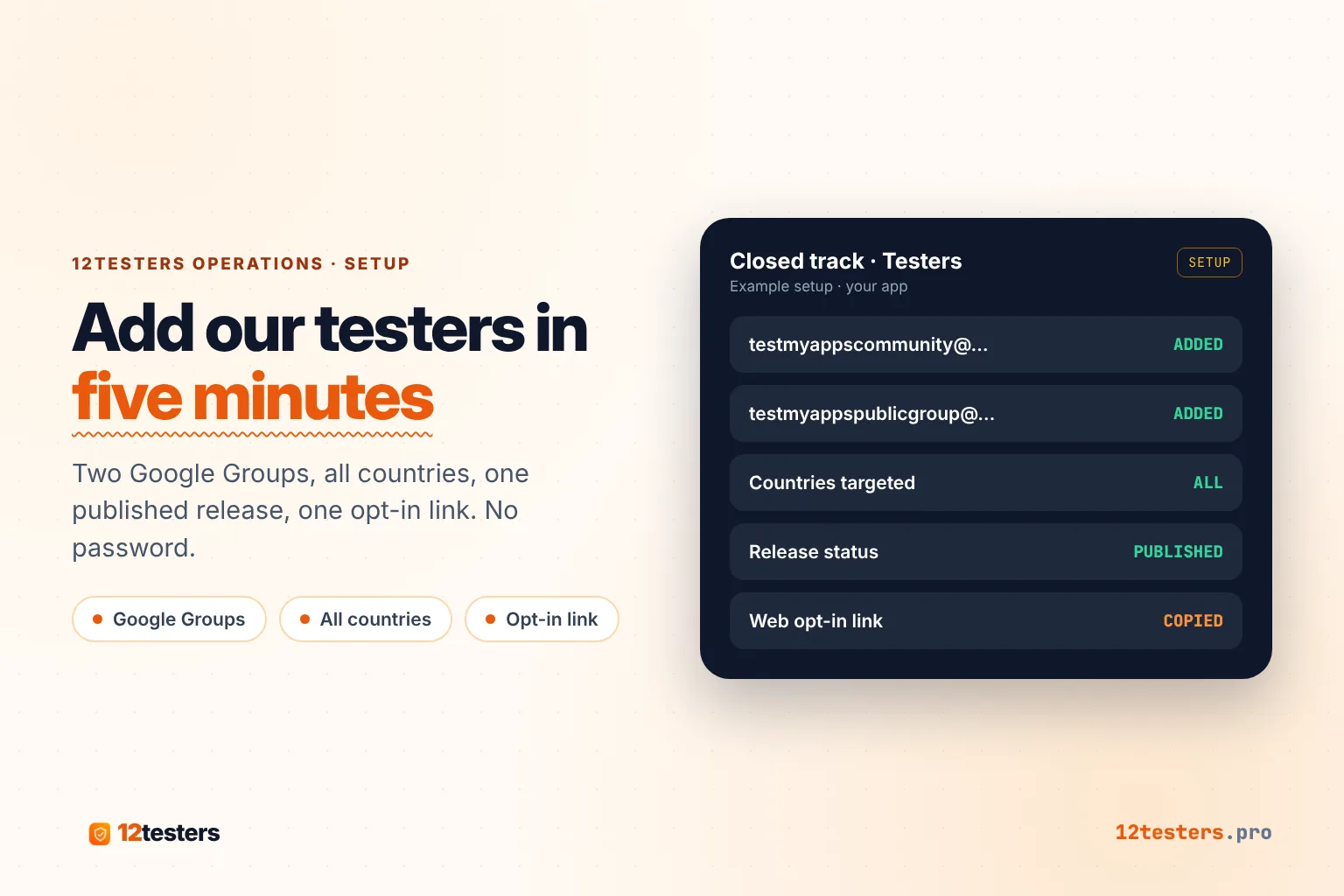
Adding testers takes about five minutes: choose Google Groups on your closed track, paste our two tester Google Group addresses, target every country, publish the release, and share the web opt-in link.
How do I add 12testers to my closed test?
In Google Play Console, open your app, go to Test and release → Testing → Closed testing, and select your closed track (often called Alpha). Open the Testers tab, choose Google Groups, and add our two tester Google Group addresses. Save, make sure the release is published, then copy the web opt-in link into your 12testers workspace.
That is the whole handoff. 12testers testers join through the official Google Play route, so you never share your Google account, Play Console login, or API keys.
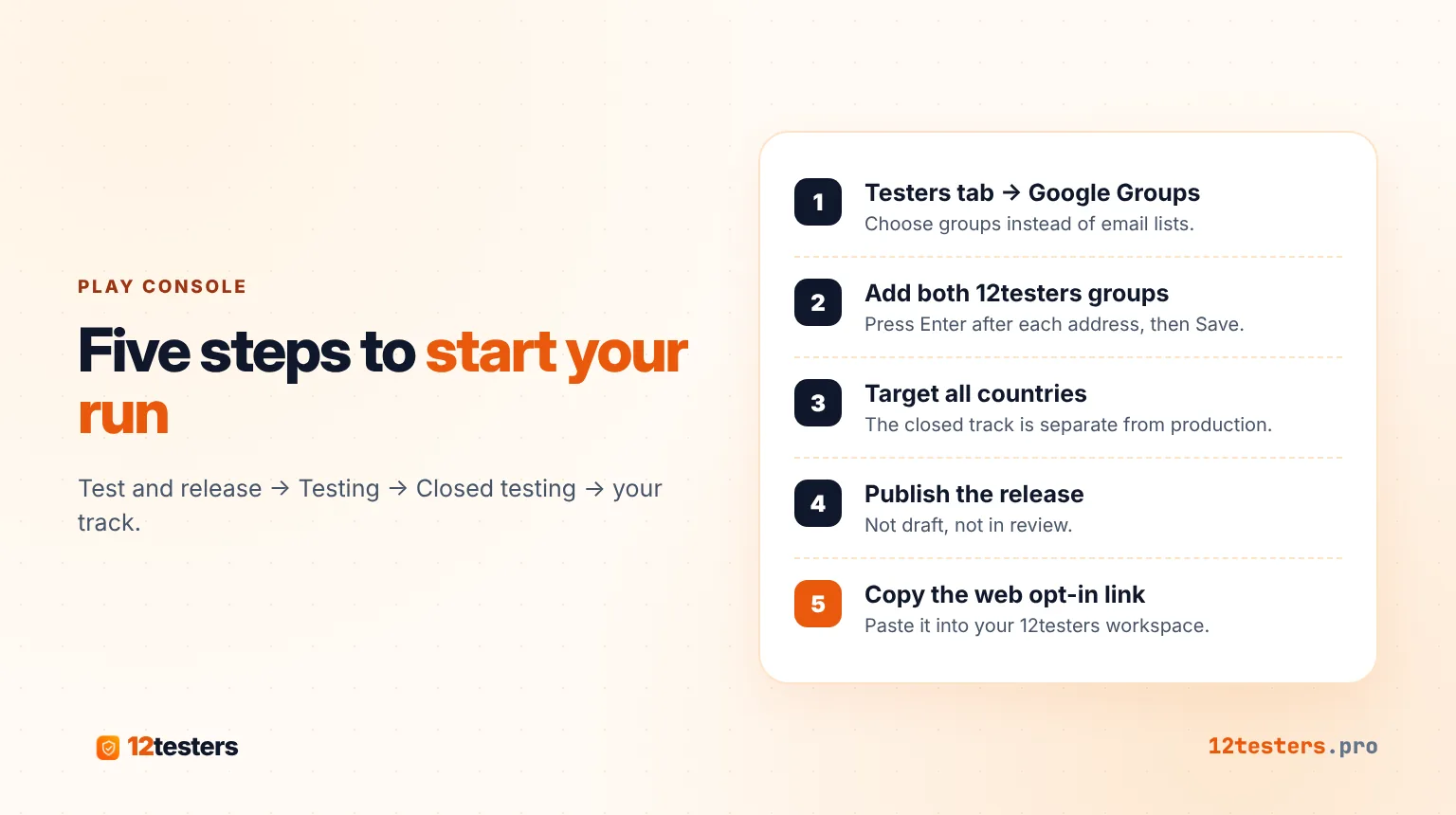
Steps 1–3: Add both Google Groups on the Testers tab
On the Testers tab, Play Console asks you to choose testers with email lists or Google Groups. Select Google Groups. Only members of the groups you enter can join the test.
Enter both addresses and press Enter after each one. Add a feedback email or URL so testers know where to send findings, then select Save.
testmyappscommunity@googlegroups.com
testmyappspublicgroup@googlegroups.com
Step 4: Target all countries on the closed track
Countries and regions for a closed track are managed separately from production. If a tester’s country is not targeted, that tester cannot install your app even after opting in.
Open Countries / regions on the closed track, choose Edit countries / regions, select all, and save. You can narrow production availability later; this setting only affects the test.
Step 5: Publish the release and copy the opt-in link
Testers can only install a release that Google has published to the closed track. Check Publishing overview: if your changes are still in review or waiting to be sent, send them for review and wait until they are live.
Back on the Testers tab, copy the Join on the web link and paste it into your 12testers workspace. We verify the route before the managed window starts; enrollment usually begins within 12 to 24 hours.
Frequently Asked Questions
Which Google Groups does 12testers use?
Add both of our tester Google Groups, testmyappscommunity@googlegroups.com and testmyappspublicgroup@googlegroups.com, to the Testers tab of your closed track. Your 12testers workspace shows the same two addresses.
Do I need to add testers by email one by one?
No. Choose Google Groups on the Testers tab and add our two tester Google Group addresses. Every group member can then opt in through your link.
Why can’t testers install my app after opting in?
Usually the closed track does not target the tester’s country, or the release is not published yet. Target all countries and confirm the release is live in Publishing overview.
Do you need my Play Console password?
No. 12testers only needs both Google Groups added to your closed track, the web opt-in link and your package name. Never share your Google or Play Console password.
Official sources
- Google Play Console Help: Set up an open, closed, or internal test
- Google Play Console Help: App testing requirements for new personal developer accounts
Last checked Nov 20, 2026. Your Play Console account status remains authoritative.